How ScOAR Works
From your first question to your next step forward — here's what happens when you open ScOAR.
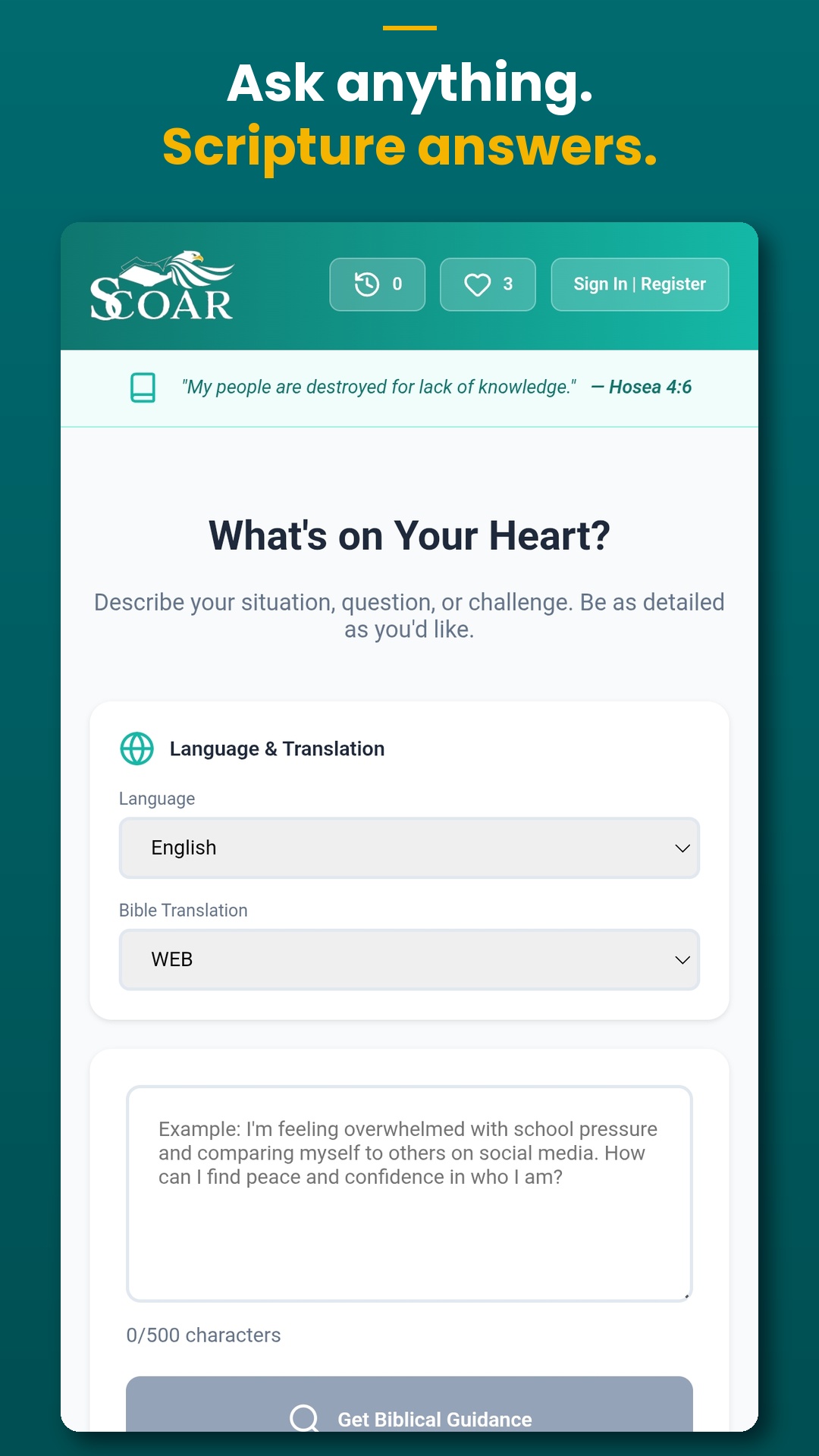
Share What's on Your Heart
Type your situation, question, or challenge in plain language — up to 500 characters. No religious vocabulary required. ScOAR listens without judgment, whether you're facing a decision, struggling in a relationship, or simply need encouragement. Choose your language and preferred Bible translation before you submit.
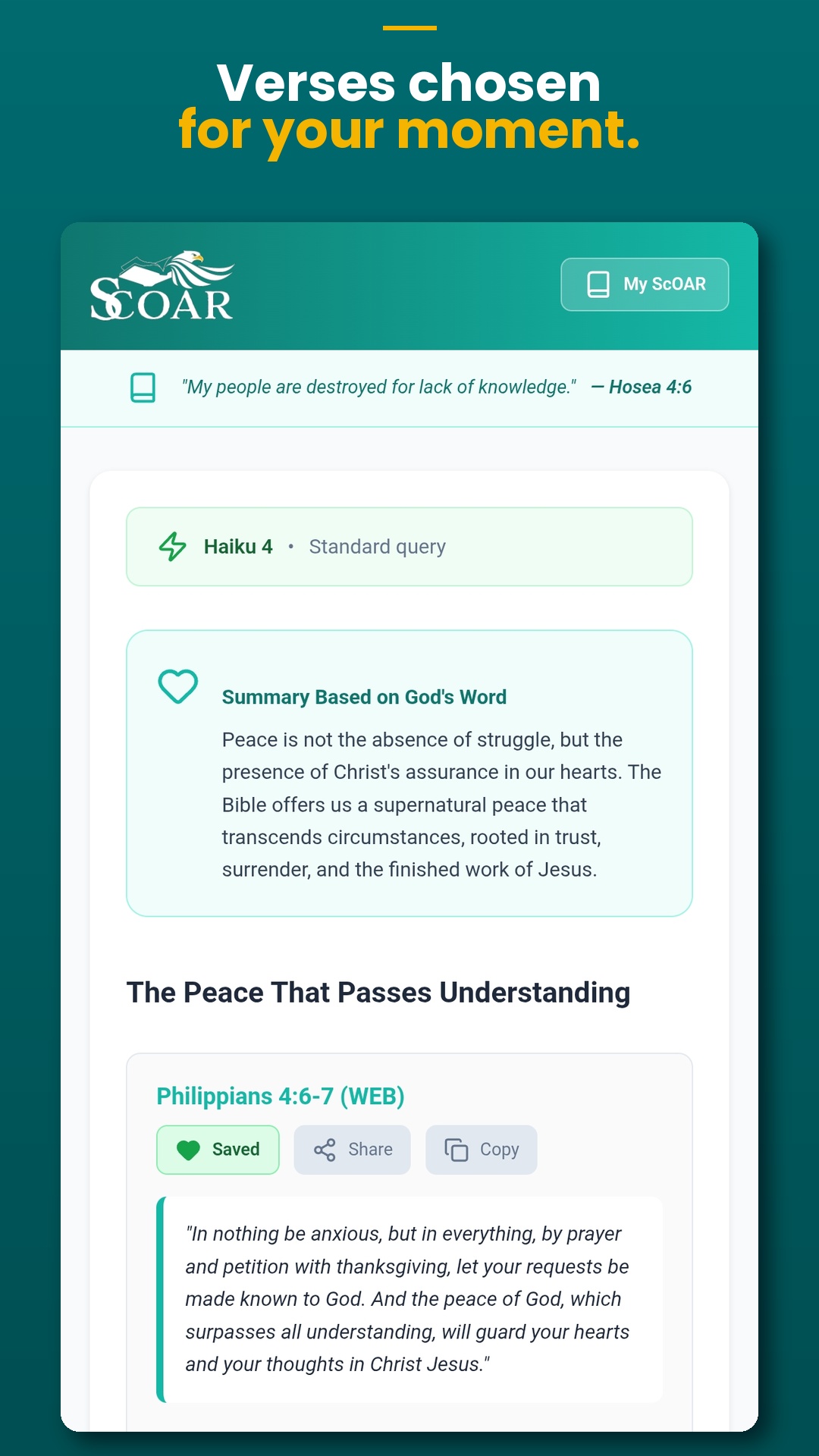
Receive Scriptural Guidance
ScOAR surfaces 3–5 relevant Bible verses alongside a plain-language summary grounded in Scripture and practical application guidance tailored to your situation. Verse text is drawn from verified public-domain translations — including WEB, KJV, ASV, and LSG (French) — so what you read is accurate and trustworthy. Need more? Tap More Verses to go deeper without starting over.
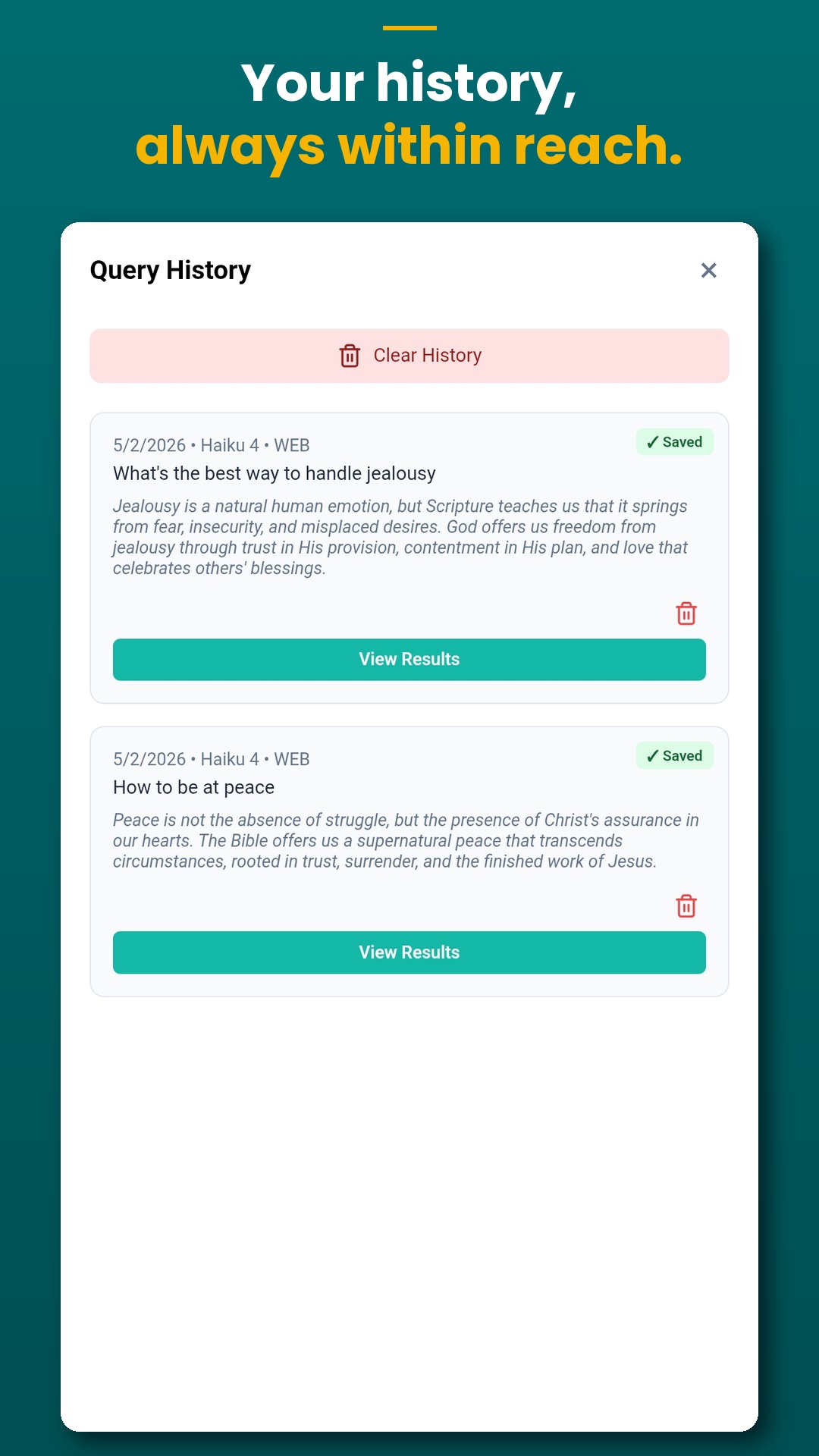
Return to Past Guidance Any Time
Every query you submit is automatically saved to your History — so you can revisit a response days later, pick up where you left off, or share a result with someone who needs it. Your recent queries are always one tap away, no account required.
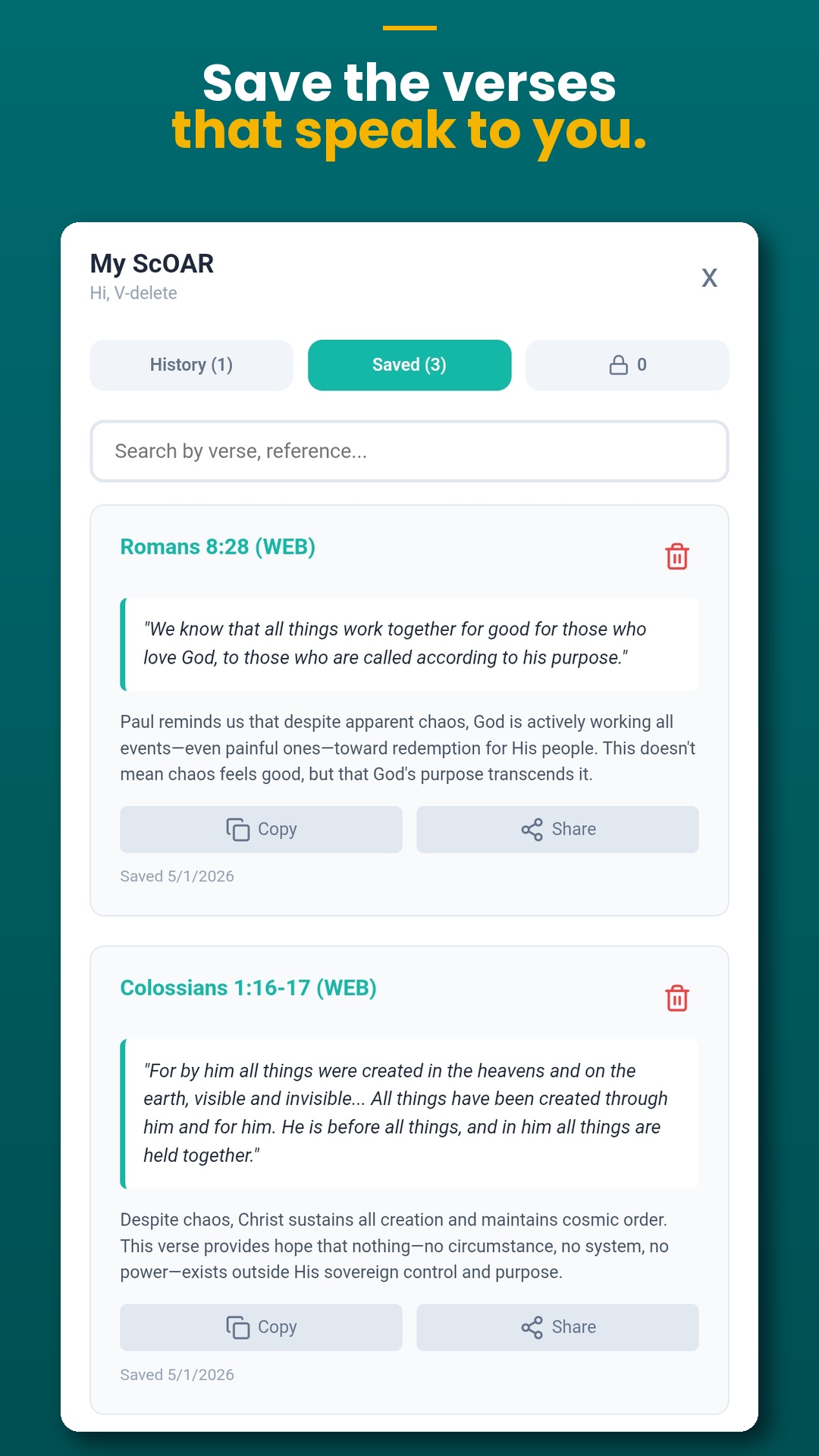
Save the Verses That Speak to You
Heart a verse the moment it resonates and it's added to your Saved collection — searchable by reference or keyword. Copy or share any verse directly from My ScOAR. Your personal Scripture library grows with every session.
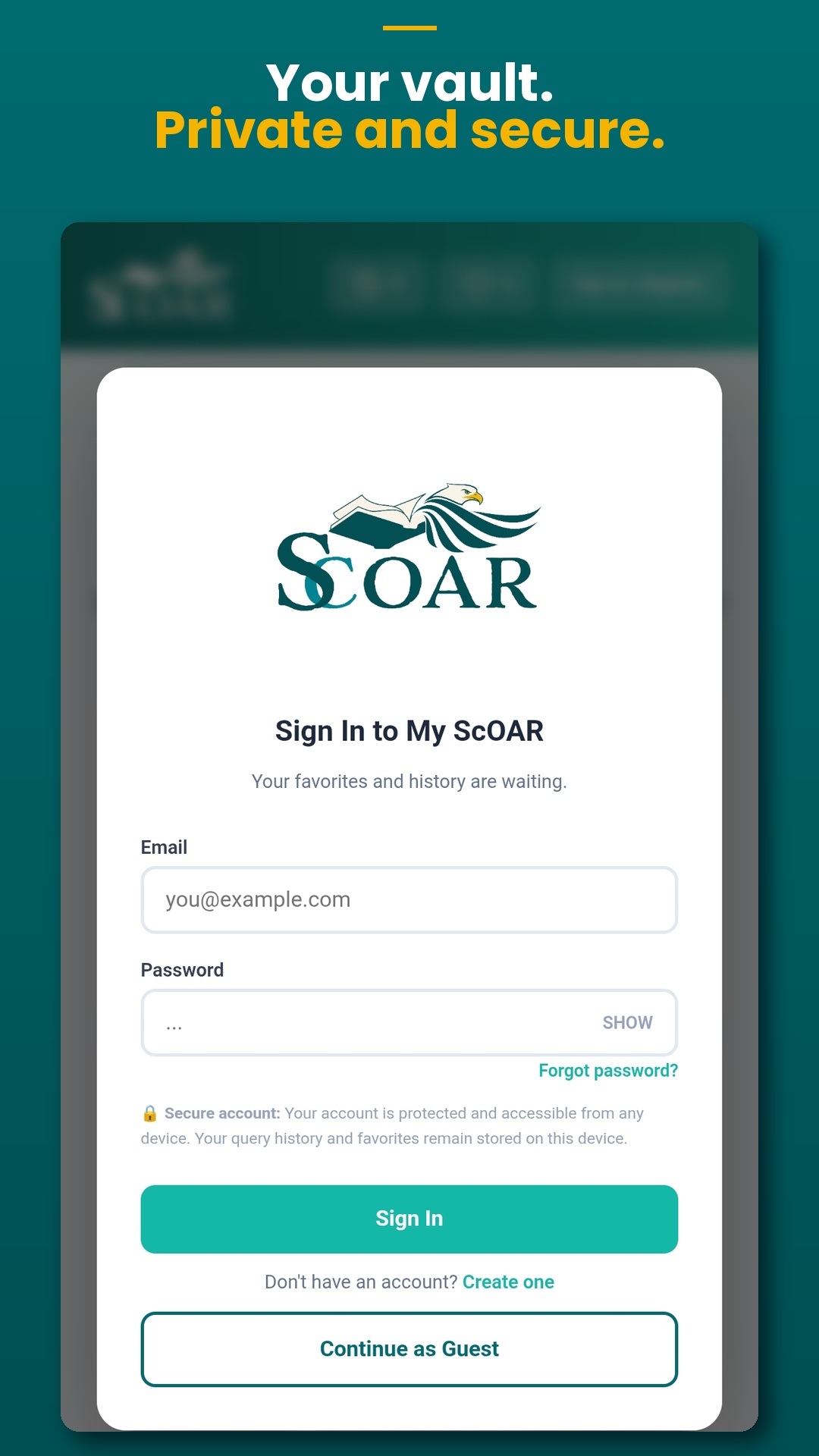
Your Vault — Private and Secure
Create a free account to unlock your Private Vault — a cloud-synced space where your saved entries are protected and accessible from any device. Not ready to sign up? Tap Continue as Guest and use ScOAR right away. Your history and favorites stay on your device until you're ready for more.